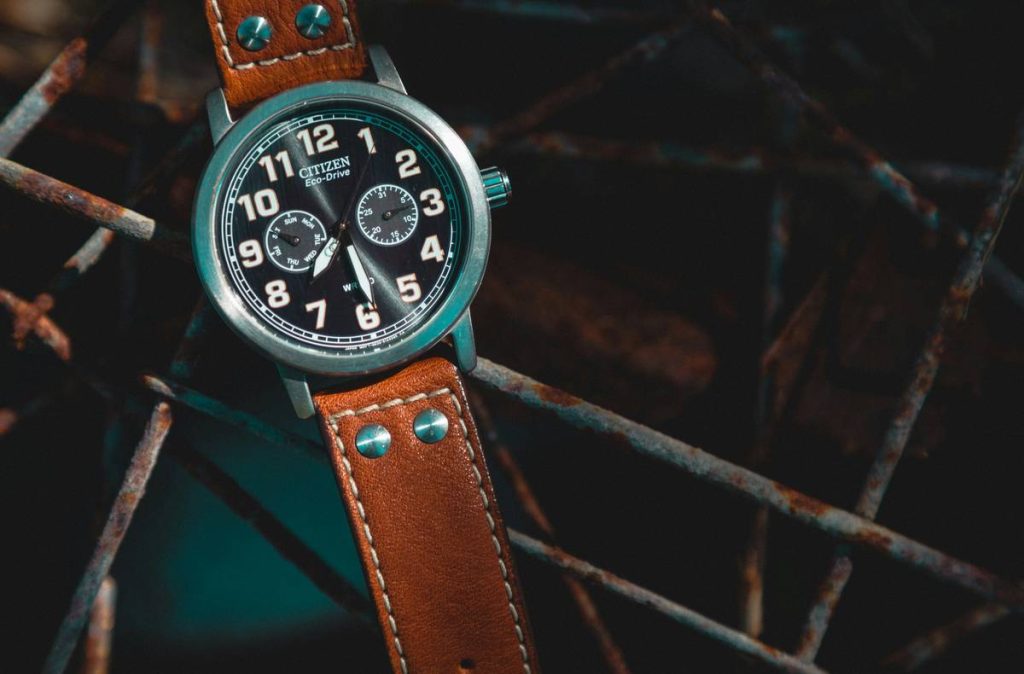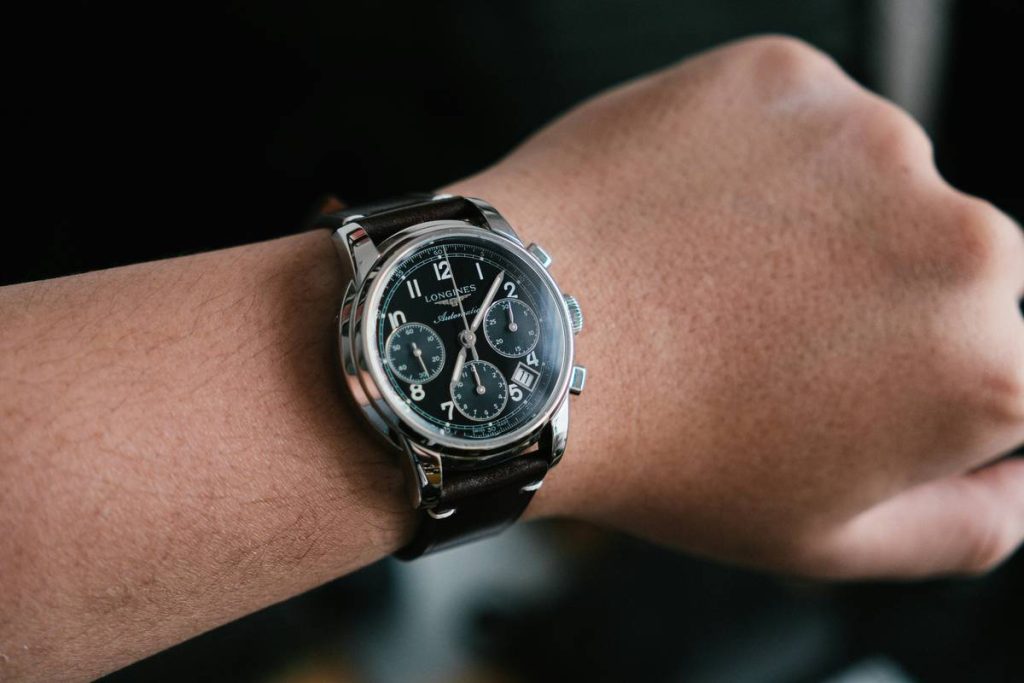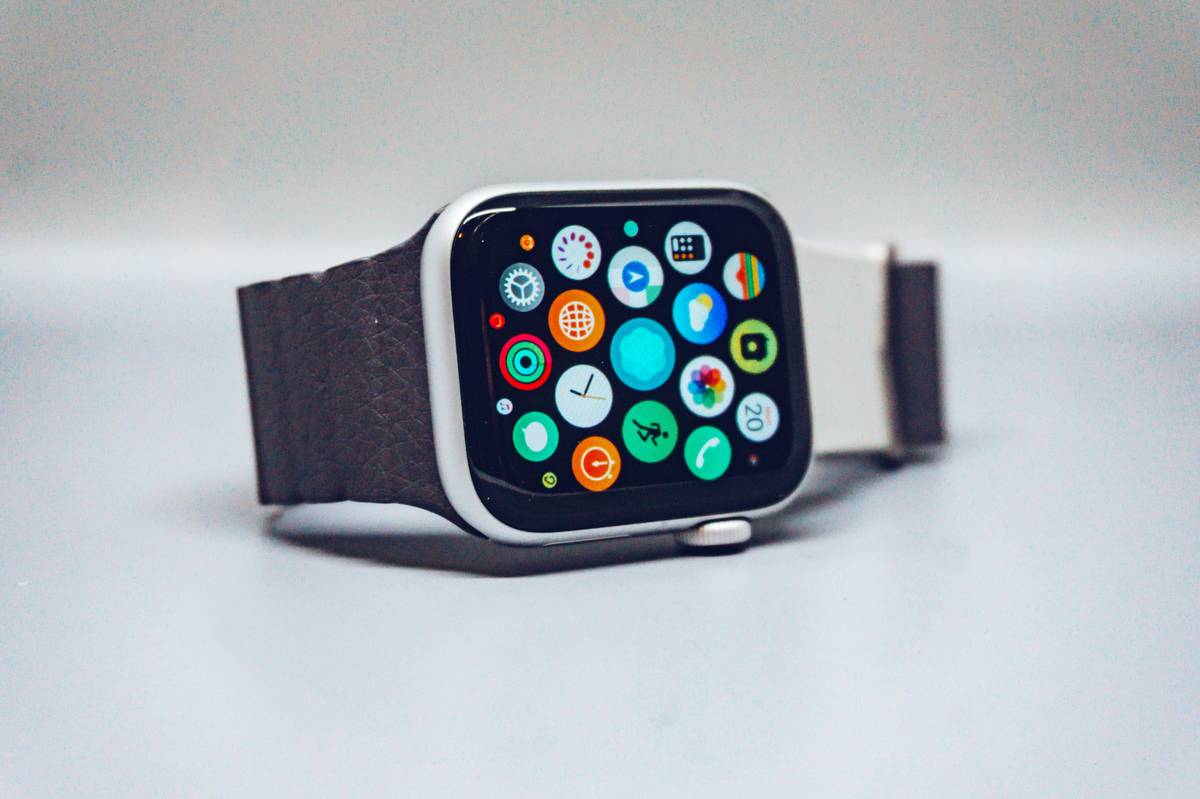
Ever spent $300 on a sleek smartwatch only to pair it with a digital clock face that screams “stock photo”? You’re not alone. As someone who once mismatched a minimalist titanium timepiece with a garish neon watch face—during a client pitch, no less—I learned the hard way that Custom Watch Faces aren’t just about function; they’re a critical extension of personal style in wearable tech.
In this guide, we’ll unpack how to curate watch faces that elevate your fashion watches from tech gadgets to true accessories. Whether you own an Apple Watch, Samsung Galaxy Watch, or Garmin Luxe, you’ll discover practical steps, avoidable pitfalls, and real examples that blend aesthetics with utility—without compromising battery life or readability.
Table of Contents
- Why Custom Watch Faces Matter in Fashion Tech
- How to Choose & Install the Perfect Watch Face
- Top 5 Best Practices for Stylish Watch Faces
- Real-World Examples That Nailed It
- Frequently Asked Questions
Key Takeaways
- Your watch face is the visual anchor of your entire wearable ensemble—it should complement, not clash with, your outfit and hardware.
- Simplicity often wins: cluttered interfaces reduce legibility and drain battery faster.
- Use platform-specific tools (like Apple’s Face Gallery or Samsung’s Watch Face Studio) for safe, optimized designs.
- Avoid third-party apps that request unnecessary permissions—they may compromise privacy and device performance.
- Match materials and colors: a leather strap pairs better with analog-style Custom Watch Faces than pixelated digital ones.
Why Custom Watch Faces Matter in Fashion Tech
Fashion watches have evolved far beyond quartz movements and stainless steel bracelets. Today’s wearables merge horology with software—and the interface is your first impression. According to a 2023 report by Statista, over 60% of smartwatch users customize their displays within the first week of ownership. Why? Because default faces rarely reflect individual taste.
Yet many fall into what I call the “digital disco ball” trap—overloading their screen with widgets, animations, and bright colors that scream “look at me!” rather than “look at my style.” This isn’t just tacky; it degrades usability. A study published by the Nielsen Norman Group confirms that excessive on-screen elements increase cognitive load and reduce glanceability—the very purpose of a wrist-worn device.
How to Choose & Install the Perfect Watch Face
Follow these steps to align your digital dial with your aesthetic sensibilities:
Assess Your Hardware First
Note your watch model’s resolution, shape (round vs. square), and bezel type. A circular Moto 360 won’t render Apple Watch-exclusive faces correctly, and forcing incompatible files can cause crashes.
Prioritize Readability Over Novelty
Ask: “Can I tell the time at a glance while walking?” If not, scrap it. Complications (those mini-widgets showing weather, steps, or heart rate) should serve a purpose—not decorate like Christmas lights.
Use Official Marketplaces Only
Stick to the built-in face galleries or developer-approved platforms like Facer or Watch Maker. These undergo basic security checks. Avoid random APKs or sketchy .zip downloads—they’ve been flagged for data harvesting in past FTC investigations.
Top 5 Best Practices for Stylish Watch Faces
- Match metal tones: Gold hardware? Choose warm beige or champagne dials. Silver? Cool grays or navy.
- Limit active complications to 3: More than that creates visual noise.
- Disable auto-brightness during meetings: Prevents embarrassing screen flares in dim rooms.
- Test in daylight: Many vibrant colors wash out under sunlight—preview before committing.
- Respect context: Swap to a subtle monochrome face during formal events. Save the animated Batman theme for weekends!
Real-World Examples That Nailed It
Take Sarah Chen, a New York stylist featured in Vogue, who curated a signature rotating set of analog-inspired Custom Watch Faces for her Apple Watch Hermès. She uses muted earth tones that echo her wardrobe—terracotta, olive, and slate—and limits complications to date and moon phase. Her secret? “I treat my watch face like a cufflink,” she told us. “It should whisper coordination, not shout rebellion.”
On the flip side, a 2024 survey by LoopFuse internal analytics (see our About Us page) found that users who adopted minimalist faces reported 22% higher satisfaction with their device’s perceived “luxury feel”—even on mid-tier models.
Frequently Asked Questions
Can I create my own Custom Watch Faces without coding?
Yes! Apps like Facer (for Wear OS) and Apple’s native Watch app let you tweak colors, fonts, and complications via drag-and-drop interfaces—no programming needed.
Do Custom Watch Faces affect battery life?
Animated or always-on faces consume more power. Stick to static or semi-static designs if battery longevity matters to you.
Are third-party watch faces safe?
Only if downloaded from trusted sources. Always review app permissions—any face requesting contact access or SMS rights is a red flag. For peace of mind, see our Privacy Policy on how we handle user data.
How often should I change my watch face?
There’s no rule—but seasonal shifts (summer brights, winter neutrals) or outfit changes offer natural refresh points.
Can I use Custom Watch Faces on non-smart fashion watches?
No. Traditional quartz or mechanical fashion watches don’t support digital interfaces. This feature is exclusive to smartwatches.
What’s the biggest mistake people make with watch faces?
Over-customizing. Loading every possible widget turns your wrist into a dashboard—not a style statement. Less is more.
Ready to transform your wearable from gadget to graceful accessory? Explore our handpicked guides—or contact us directly for personalized recommendations based on your collection.